Remove the copy-paste between your tools.
Automations that connect the software you already use, so data entered once flows to every system that needs it without manual re-keying.

What we do.
The work Workflow Automation covers. Your scope names the items you need, so you pay for those and nothing else.
- Form, CRM and spreadsheet syncing
- Order, invoice and stock updates between systems
- Automatic notifications and reminders
- Report generation on a schedule
- Onboarding and offboarding checklists
- Error alerts when a flow fails
How Workflow Automation runs.
01 / 04
Audit the process
We list where data is re-typed, copied or chased between tools.
You get: A list of every manual hand-off, ranked by time lost
02 / 04
Design the flow
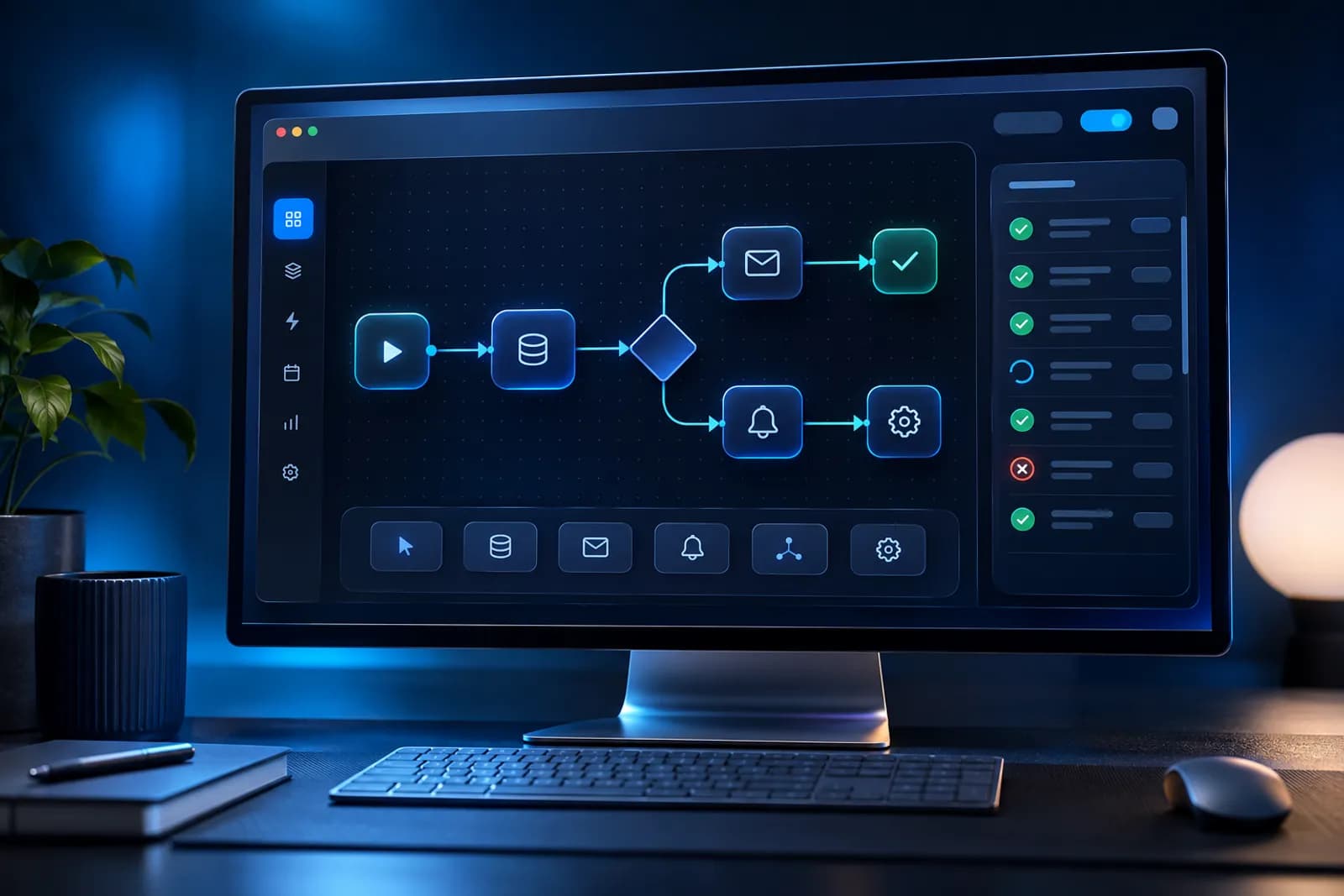
Each automation is drawn out with its trigger, steps and failure path.
You get: A diagram of each automation
03 / 04
Build and test
Flows are built and run against real cases, including the awkward ones.
You get: Working flows tested on real cases
04 / 04
Hand over
You get documentation and alerts, so your team can see and maintain every flow.
You get: Documentation and an alert setup
What you get.
Everything below is written into the scope before work starts, and you own the files, code and accounts at the end.
- Process audit and automation map
- Integrations between your existing tools
- Error handling and alerts
- Documentation your team can maintain
Built with
- Make
- Webhooks and APIs
- Node.js
- Google Workspace
- CRM integrations
Right for you if.
- Orders or leads typed into more than one system
- Reports built by hand every week
- Follow-ups that depend on someone remembering
How AI makes the work faster.
The same inbox, handled two ways. AI takes the reading, sorting and drafting; your people keep the judgement.
By hand
one at a time
With AI
as they arrive
It reads everything first
Each message, form or document is read the moment it arrives, at any hour.
It does the repetitive step
Sorting, tagging, looking up the record and drafting the reply happen without waiting for someone.
People keep the decisions
Your team approves, corrects and handles the cases that need judgement.
From first message to after launch.
01
Enquiry
You tell us what you need through the form or a call.
02
Scope and quote
Within one working day you get fit, timeline and a fixed price.
03
Kickoff
We agree the plan, the contact on each side and the first milestone.
04
Weekly demos
You see working output every week and steer it.
05
Launch
We test, release and hand over files, code and accounts.
06
Support
30 days of fixes are included, then an optional care plan.
Often paired with.
- API Development & IntegrationNew APIs for your product and integrations with payment, CRM, ERP, logistics and other third-party services.
- Lead GenerationCampaigns, landing pages and forms joined into one funnel that delivers qualified enquiries to your sales team or CRM.
- Cloud Hosting & InfrastructureManaged cloud hosting with scaling, backups and monitoring configured for the load your product carries.
Questions about AI & Automation.
Which AI models do you work with?
We work with the leading commercial model APIs and with open-source models, and choose per project on accuracy, cost, speed and data-privacy needs. The recommendation and the reasons for it are part of the written scope.
Will our data be used to train public models?
Projects are set up so your data is used only for your own system. We agree where data is stored and processed before any build starts, and document it in the scope.
Do we need a lot of data to start?
Often not. Many assistants and automations work from the documents, records and tools you already have. The first step is an assessment that tells you whether your data is enough for the use case.
Start your Workflow Automation project.
A senior consultant replies within one working day with fit, timeline and a fixed price. Prefer to talk it through? Choose a call and we will arrange a time.
- Fixed price with a written scope
- A working demo every week
- 30 days of post-launch fixes included
More in AI & Intelligent Automation.
- Custom AI SolutionsBespoke AI features and tools designed for one business problem: classification, extraction, search, recommendations or prediction, built on your own data.
- AI Chatbots & Virtual AssistantsChat and voice assistants for websites, apps and messaging channels, grounded in your documents and policies so answers stay accurate and on brand.
- AI Agents & Business AutomationAI agents that take actions across your tools: qualifying leads, drafting documents, updating records and routing requests, with approvals where you want a person in the loop.
- Generative AI IntegrationText, image and document generation added to existing software through model APIs, with prompt design, cost controls and output checks built in.